
What can I do? User roles explained
The difference between Standard users, School Admins and District Admins, and why you might not see the Admin menu.
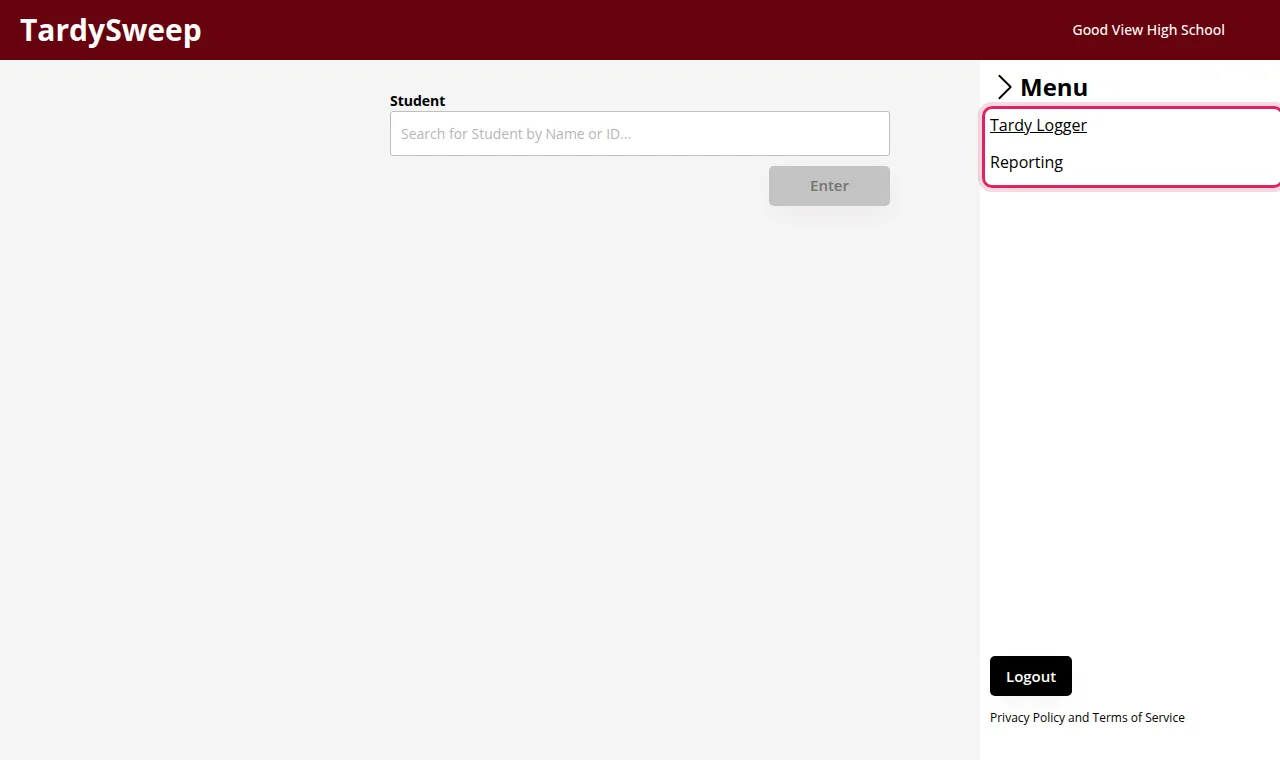
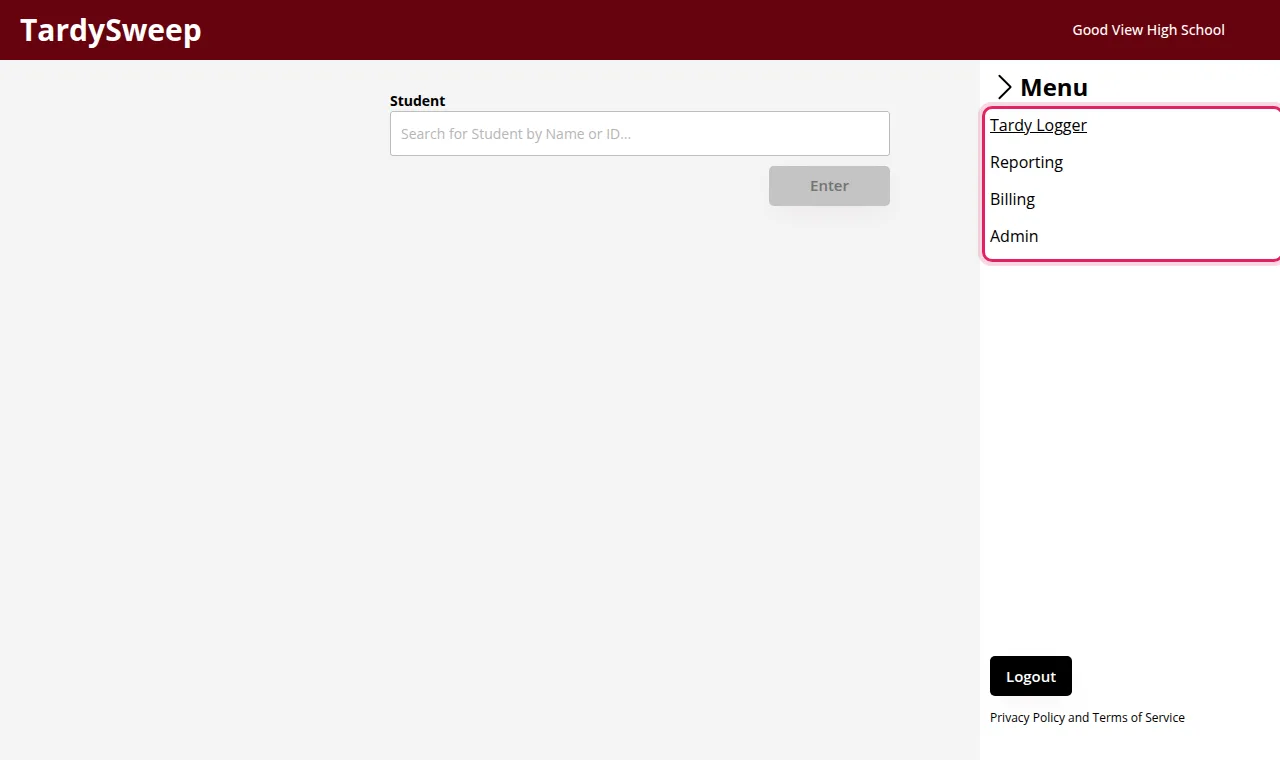
Every TardySweep account has a User Type. It decides which pages you see in the menu (the three lines in the top right corner).
Standard
For teachers, hall monitors and front office staff. You can:
- Log tardies in the Tardy Logger, and print passes if your school uses them
- Look at Reporting
You can't change school settings, and you can't delete a tardy. Ask an admin if a tardy was logged by mistake.
School Admin
Everything a Standard user can do, plus:
- The Admin page: school profile, calendar, bell schedule, students, pass templates, consequence rules and user accounts
- Billing: your plan, seats and invoices
- Deleting tardies logged by mistake
District Admin
Everything a School Admin can do, for more than one school. District Admins can also give other people the District Admin role.
Tip: Don't see the Admin menu? Your account is a Standard user. Ask your school's TardySweep administrator to change your User Type under Admin → User Management.
Was this helpful?
Thanks for the feedback!